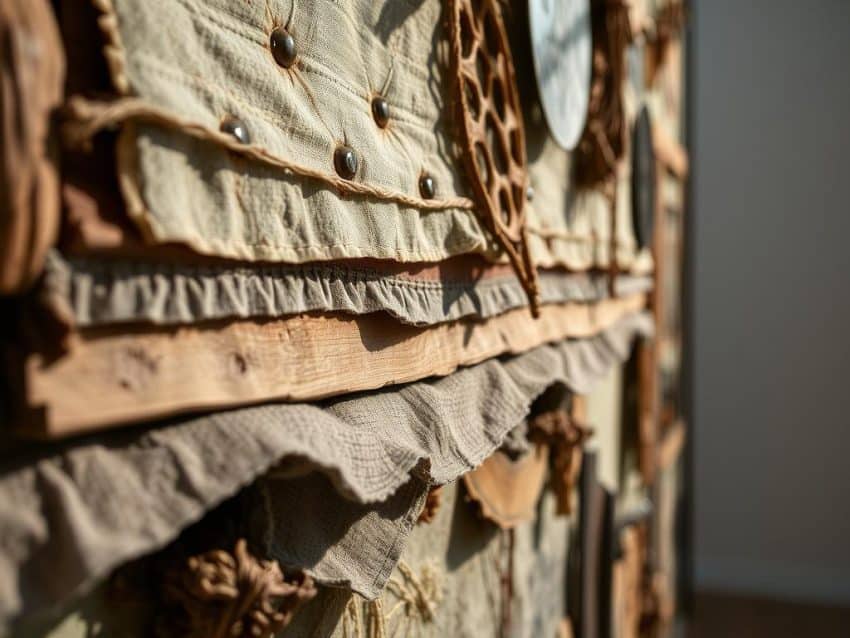
Did you know designs with texture can get a 15% increase in user interest? This shows how important texture is in graphic design. With digital textures all around us, knowing how to use them is key for designers.
In this article, we’ll look at ways to add texture to designs. We’ll see how material art and textured elements can make designs pop. You’ll learn about layering and mixing textures to make your designs more engaging.
Key Takeaways
- Texture is key in visual communication, helping keep users interested.
- Subtle textures can make designs seem better and satisfy users more.
- Textured typography grabs more attention for headlines.
- Texture can make stories more engaging and tie themes together.
- Layering textures adds beauty and depth to designs.
Understanding the Importance of Texture Design
Texture design is key in making graphic design stand out. Today, companies use visual elements to boost their strategies. Graphics are more than just decorations; they’re vital for communication.
The move from old methods to new tools like Adobe Illustrator shows how graphic design has changed. Visual texture makes any project feel more real and engaging.
The Role of Texture in Graphic Design
Texture can change how people see designs. Real textures, like in top-notch business cards, make designs better. Designers know that using textures can cost more, affecting budgets.
Textures add weight and grab attention, making designs memorable.
Visual vs. Tactile Texture
In graphic design, knowing the difference between visual and tactile texture is important. Visual texture adds depth without needing physical materials. It lets designers mix photos with graphics in new ways.
This mix makes designs look more real. Different textures can make us feel things. Soft textures feel warm, while smooth ones feel fancy.
How Texture Enhances User Engagement
Good texture design grabs attention and keeps it. I’ve seen that textures draw both physical and mental interest. This makes people want to look closer.
Using the right mix of textures makes designs look better and more interesting. It helps designers create feelings in their audience, making spaces more welcoming.
Techniques for Incorporating Texture in Designs
Adding texture to designs makes them more appealing and engaging. There are many ways to use different textures. Each method has its own role in making designs interactive.
Subtle Textures in Backgrounds
Backgrounds with subtle textures add depth without blocking content. Digital textures create an immersive feel. This makes designs look good and stay clear.
Textured Typography and Headings
Textured typography makes designs pop. It makes headings stand out. This grabs attention and engages the audience.
Using High-Quality Textured Images
High-quality images with textures set the mood of a design. The texture can make the image feel gritty or soft. This mix of textures and images tells stories in my projects.
Adding Texture to Buttons and Icons
Textured buttons and icons make designs more user-friendly. They offer a tactile feel and guide users. This makes designs more intuitive and familiar.
Layering and Mixing Textures for Depth
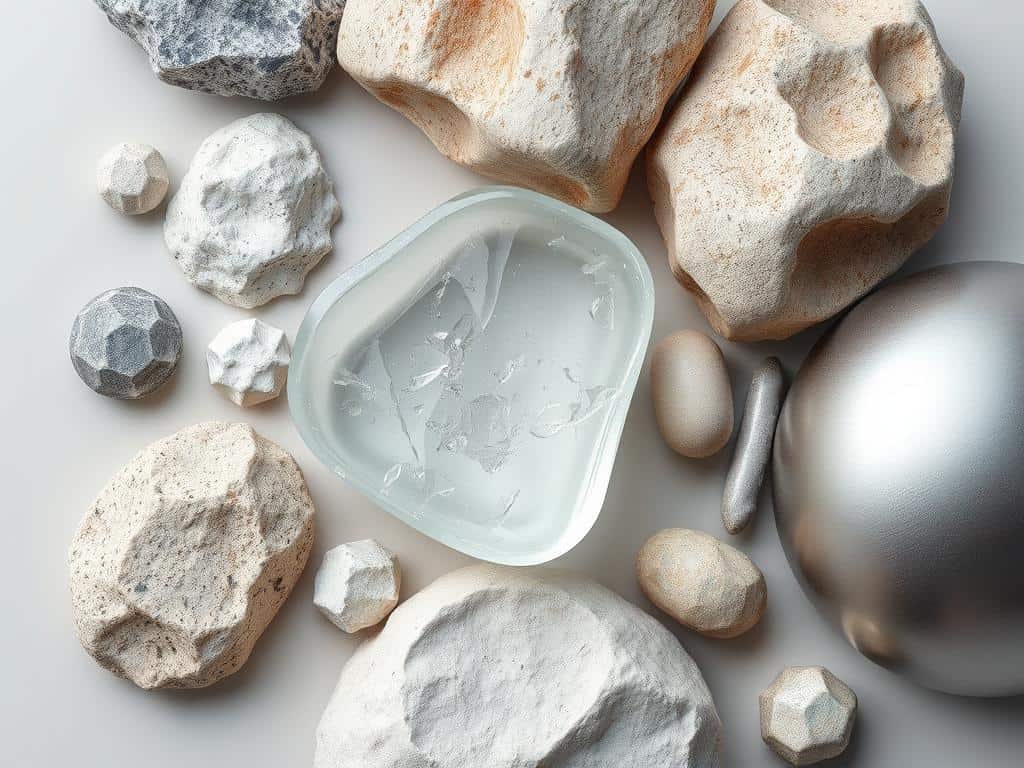
Layering textures adds complexity to designs. Mixing textures creates eye-catching visuals. Techniques like opacity and blending modes can make designs seem 3D.
Conclusion
Texture design is key in graphic design. It makes projects look better and engage users more. Using different textures can make designs feel rich and welcoming.
Layered textures add depth and comfort to designs. They help create a strong emotional connection with the viewer. This makes designs more inviting and memorable.
Using the right mix of textures can make designs look more cohesive. This approach grabs attention and keeps users interested. It’s a great way to make designs stand out.
Texture design is about creating an experience, not just looking good. As designers, we can influence how people feel and think. Learning about texture design will help me make better projects and connect with people more deeply.
