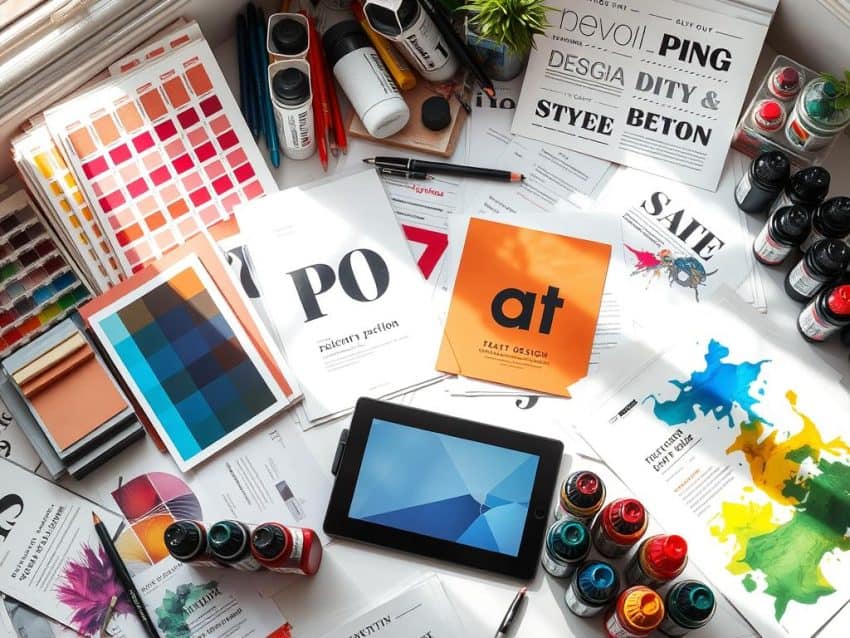
Did you know over 100% of professional print projects use CMYK color mode for accurate colors? This shows how important it is to know about print design for clear communication. I’ve learned that great print quality comes from mixing creativity with technical skills.
Understanding things like resolution, color mode, and paper choice is key. These elements are essential for success in the print world.
This article is more than just a list of tips. It’s a detailed guide to help you appreciate the complexity of print design. I’ll share tips to improve your print projects and ensure the best results. Let’s work together to make stunning print materials that grab attention.
Key Takeaways
- CMYK is essential for accurate color in print projects.
- Using a resolution of 300 dpi is critical for high-quality prints.
- TIFF files are better for print quality than JPGs and PNGs.
- A minimum bleed of 0.125 inches is important to avoid white edges.
- Choosing the right paper can greatly affect the project cost.
- Testing prints can help find errors and save on costs.
Understanding the Importance of Print Design
Print design is key for effective communication. It’s a real, lasting medium that digital can’t match. Business cards and brochures offer sensory experiences that digital can’t. This makes people connect more deeply with brands, boosting loyalty and recognition.
Looking into print communication shows its unique impact. The special qualities of print change how messages are seen and felt.
The Impact of Print Design on Communication
Print and digital media differ a lot. Print needs careful design because of size and color rules. For example, a U.S. business card is 2” x 3.5” to fit in wallets. Postcards are 4” x 6” for cheaper postage.
These exact sizes show print’s focus on usability. Also, 73% of people trust print more than digital. This shows print’s power in building brand trust.
How Print Differs from Digital Design
Print and digital design face different challenges. Digital is easy to edit and cheap to change. But, print mistakes can cost up to $5,000 in wasted materials.
Knowing color modes is critical. RGB is for screens, but CMYK is needed for print to avoid color issues. Pantone’s Color Bridge Series helps designers match colors accurately, avoiding these problems.
Print Design Tips for Perfect Results
Creating top-notch print materials needs careful attention to a few key areas. I focus on the CMYK color mode, image resolution, bleed and margins, and typography. This ensures my designs make the impact they’re meant to.
Color Mode Selection: The Importance of CMYK
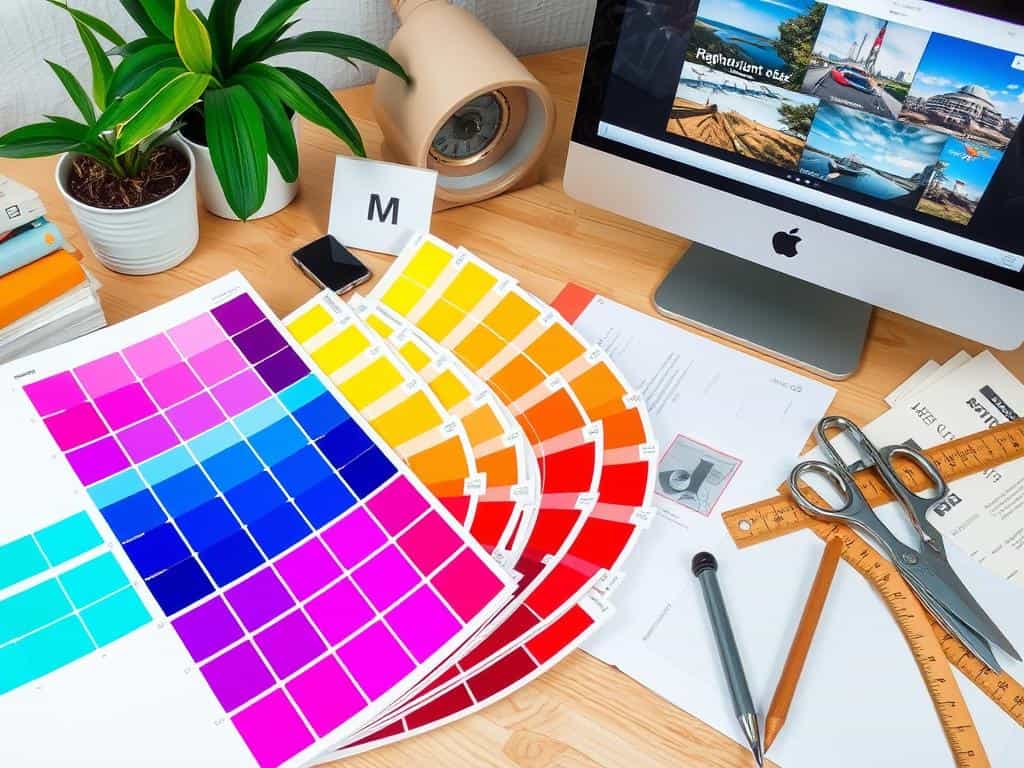
For print design, I always choose the CMYK color mode. It matches the four ink cartridges: cyan, magenta, yellow, and black. RGB, used for screens, can’t match print colors well. CMYK keeps colors consistent across different printers, making my work pop.
Choosing the Right Resolution for Crisp Prints
Image resolution is key for print quality. I aim for at least 300 DPI for sharp, professional images. Lower resolutions can make images look grainy, hurting the design’s look. This high resolution is essential for clear, detailed prints.
Incorporating Bleed and Safety Margins
Designs need the right bleed and margins. I add 0.125 inches (3mm) extra beyond the trim edge to avoid white edges. I also keep important parts safe from the cut line. This setup avoids mistakes and makes the final product look better.
Typography Best Practices in Print Design
Typography is the heart of print design. I pick font sizes that are easy to read. Body text is usually 10 to 12 points, and headlines are bigger. Knowing about kerning and tracking helps make text easier to read. Good typography makes the design better and guides the reader.
Choosing the Right Materials and Finishes
Choosing the right materials and finishes is key to the quality of printed items. The paper you pick affects both the look and feel of your design. Different weights and textures have their own uses, helping make marketing materials effective.
Exploring Paper Selection: Weight and Texture
Understanding paper selection is important. Different weights change how durable and appealing a paper is. For example, lightweight paper (80–100 GSM) is good for cheap flyers.
Midweight coated paper (120–170 GSM) balances looks and durability for brochures. Heavy materials (over 200 GSM) are best for posters to avoid tears. Business cards should be thick (at least 300 GSM) to show quality and professionalism.
Understanding Print Finishes to Enhance Aesthetic Appeal
Print finishes can make printed materials look better. Finishes like UV coating, embossing, or foil stamping add depth and interest. They’re great for items like business cards and packaging, making them seem luxurious.
For budget flyers, simpler materials might be better. But they should also do their job well. Choosing the right finishes makes your designs stand out and leave a lasting impression.
Conclusion
Looking at the key print design strategies, it’s clear that knowing each part is vital. Choosing the right color mode and resolution is important. So is picking the right materials and finishes.
Brands that stick to their color schemes see big boosts in recognition. This shows how careful planning in print design is key.
Typography, white space, and alignment also play big roles. Using one or two fonts makes designs look more professional. Good white space makes designs look better and easier to understand.
These strategies can make printed materials look much better. They show quality and professionalism.
Using these techniques helps connect with people more deeply. It makes sure messages are not just heard but felt and remembered. As we keep learning about print design, let’s use these tips to create something truly special.
