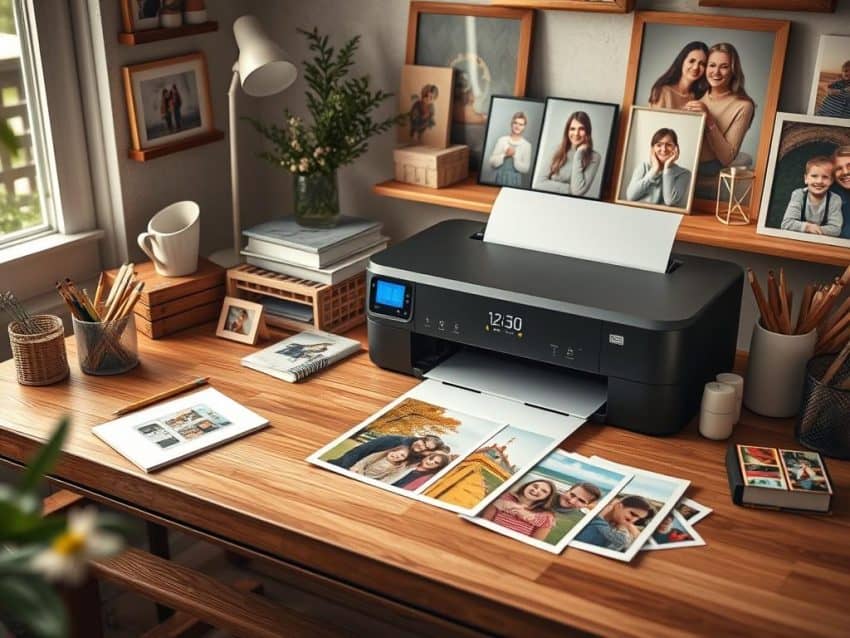
Did you know suburban America once had one photo lab for every 500 people? This shows how much photo printing has changed with digital photography and online services. Now, printing photos at home is easy, and I’m excited to share the best ways to get professional-quality prints from home.
With new technology, we can make lasting memories. In this article, I’ll show you how to pick the right equipment, improve your photo printing, and keep your printer in top shape. We’ll also look at different printing methods.
Key Takeaways
- Transitioned from traditional labs to home photo printing.
- Multiple options for printers now available for personal use.
- Selection of paper significantly impacts print quality.
- Regular maintenance enhances printer longevity and performance.
- Printing photos can be a rewarding and creative experience.
Choosing the Right Printer for Photo Printing
Choosing the right printer is key for great home photo prints. There are many options, and knowing the benefits of each helps you decide. Inkjet printers are often the best for photos because they offer amazing color and detail.
They can make photos look vibrant and alive. Laser printers are faster and good for general printing, but they don’t match inkjet’s photo quality.
Inkjet vs. Laser: Which is Better for Photos?
Inkjet printers usually win when it comes to photo quality. They use liquid ink for smoother colors and richer tones. High-end inkjets like the Canon imagePrograf PRO-1100 and Epson SureColor P900 produce stunning photos.
Laser printers are quick for text and graphics but can’t match the color depth needed for top-notch photos.
Top Features to Look Out For in a Photo Printer
When looking at photo printers, some features are more important. Make sure the printer can handle different paper types and sizes. It should also print without borders.
A high resolution, at least 300 DPI, is essential for clear and detailed prints. Wireless printing and SD card support make it easier for photographers. The Epson EcoTank Photo ET-8550 is a great example, with wide-format printing for various needs.
Recommended Photo Printers for Home Use
There are several top picks for home photo printing. The Canon Pixma Pro-200 is great for quality in a small package, priced at $499. The Epson Expression Premium XP-7100 is versatile and family-friendly, costing $239.99.
For those who want something portable, the Canon Selphy CP1500 and HP Sprocket Select are good choices. They offer convenience and are priced at $139.99 and $99.99 respectively.
Optimizing Your Photo Printing Process
To get amazing prints at home, I focus on the whole process. I look at printer settings, pick the right photo paper, choose the best print size, and keep my printer in top shape. Each step is key to better prints and a smooth process.
Understanding Printer Settings for Quality Prints
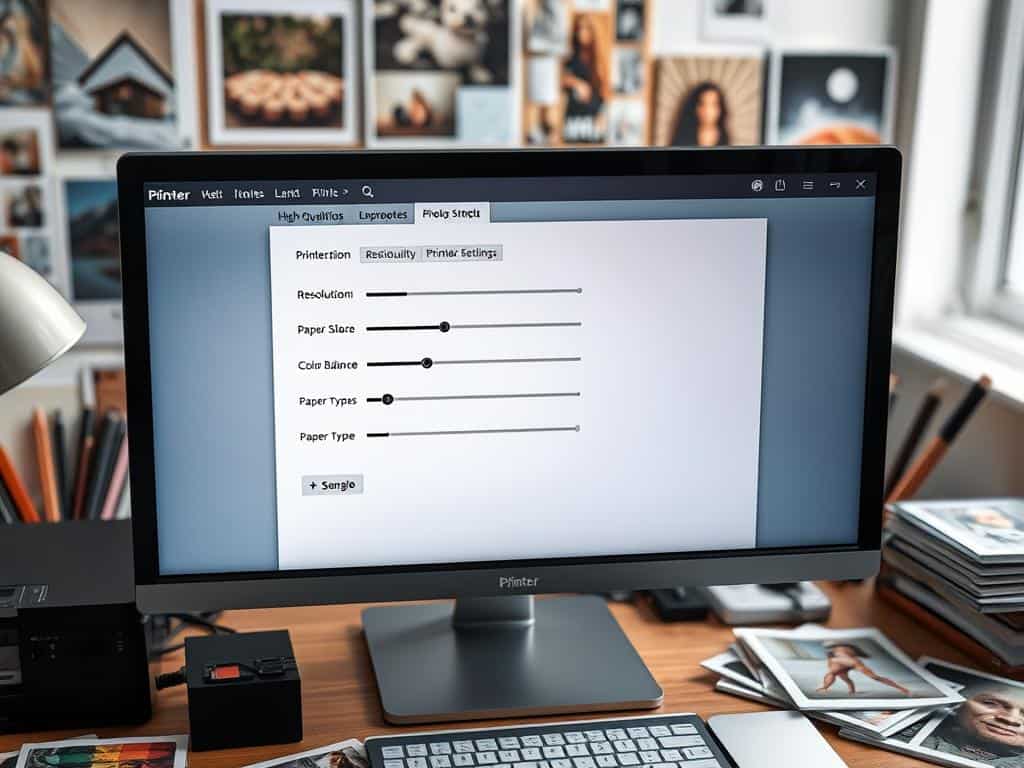
Knowing how to set up your printer is key for top-notch prints. Most inkjet printers have a “photo printing” option. I pick settings that match what I need, like *media type* and *borderless printing*. It’s also important to choose the right DPI and know the difference between RGB and CMYK.
For the best prints, I make sure images are at least 300 DPI.
Selecting the Best Photo Paper for Different Effects
The right photo paper makes a big difference. I use *luster paper* for bright colors or *giclée papers* for a unique look. Glossy paper brings out vibrant details, and metal or acrylic prints are durable and shiny.
Trying out different papers helps me find the best one for each photo.
Determining the Optimal Print Size
Choosing the right print size is important. I think about where the print will go and the image’s details. Big prints are great for landscapes, while small ones work well for portraits.
I also check the aspect ratio to avoid cutting off important parts. The right size keeps my photos looking sharp and impactful.
Maintaining Your Printer for Long-Lasting Performance
Keeping your printer in good shape is essential. I clean the printer heads and check the ink levels often. This prevents color issues and keeps the printer running smoothly.
Good environmental conditions, like 30-40% humidity and stable temperatures, also help the printer last longer.
Conclusion
Photo printing at home has changed a lot. Now, I can make vibrant prints right in my living room. By following key tips, like picking the right printer and knowing my settings, I get amazing prints.
Choosing the right photo paper and print size is also key. It’s like using darkroom techniques, where light changes the paper. This makes my prints look great and keeps them for years.
Technology keeps getting better, making home printing even more fun. Even with automated pictures, I love adding my personal touch. This mix of new tech and personal photos makes printing at home special.
